JumboChat is built for the moment two people are standing in front of each other and neither one can start the sentence. Hold your button, say it, hand the phone over. Nobody signs in, nobody makes an account.
The app opens on the conversation. There is no dashboard to get through first, and nothing to configure before the first sentence.
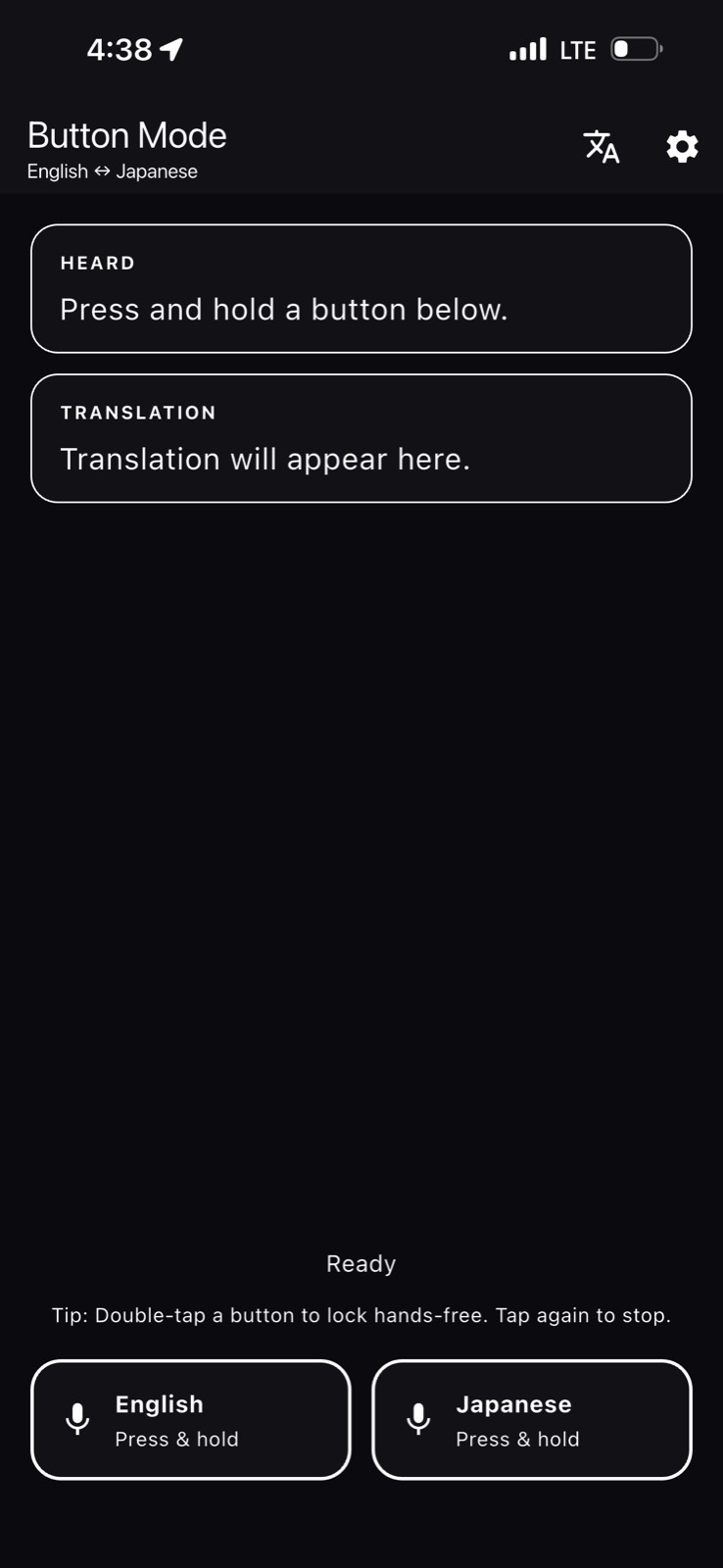
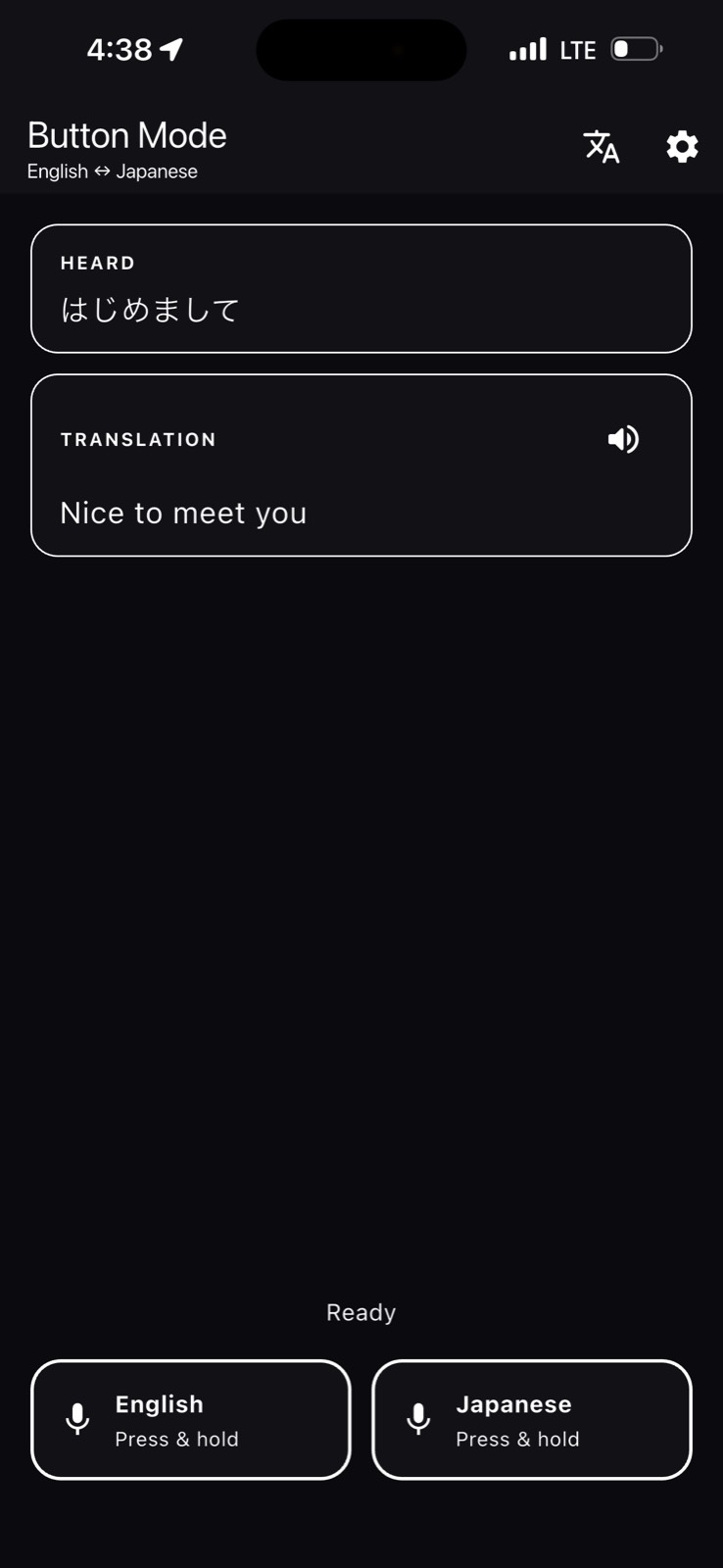
Two microphone buttons, one per language. Hold yours, speak, let go. Hand the phone across and the other person holds theirs.
A loud street, a quiet library, a voice the microphone can't catch. Type it instead and the translation works the same way.
Download a language pair once and the translation itself happens on the device — no round trip to a server for every sentence.
Completed turns build into a conversation you can scroll back through, replay out loud, or copy into a message.
Captured on iPhone. Two microphone buttons, the sentence you said, and the sentence they hear — nothing else competing for the screen.
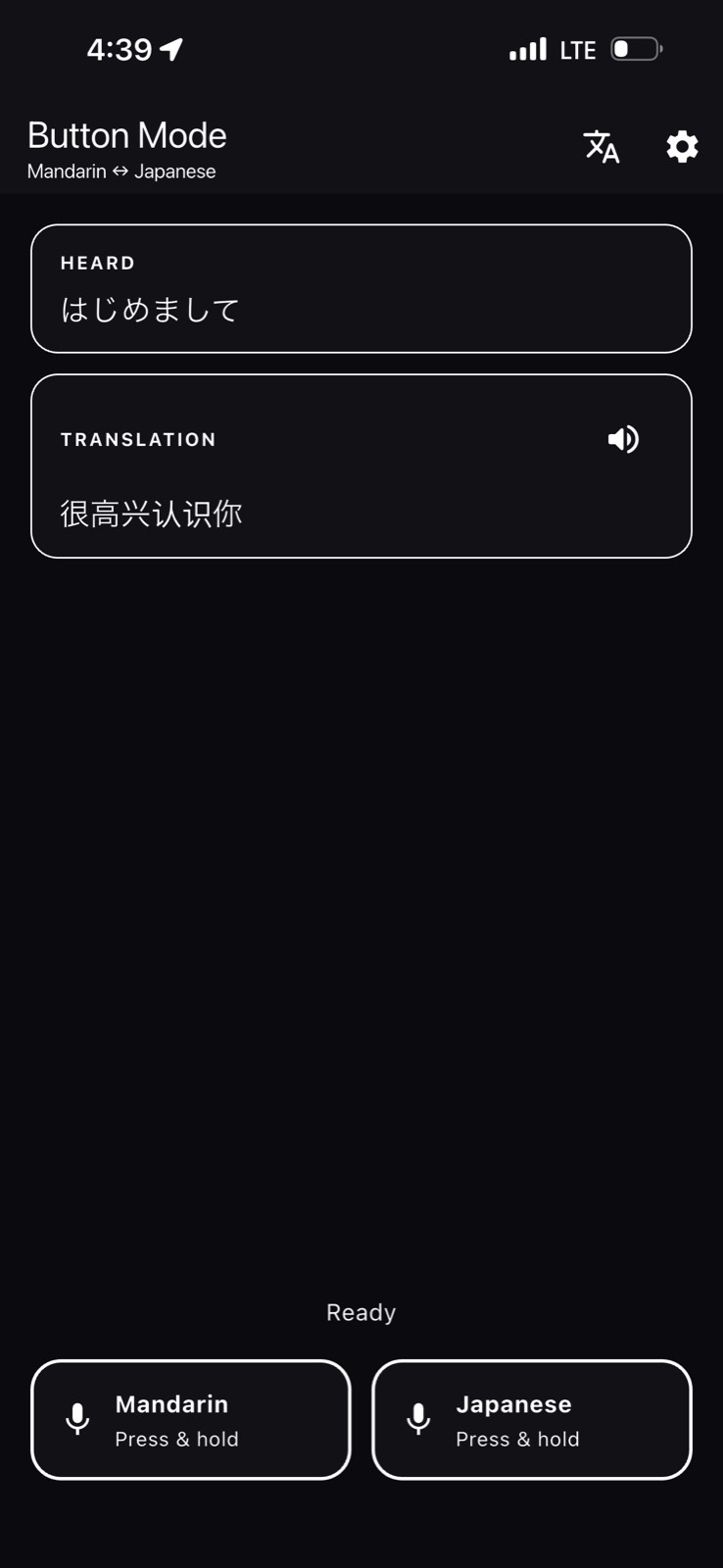
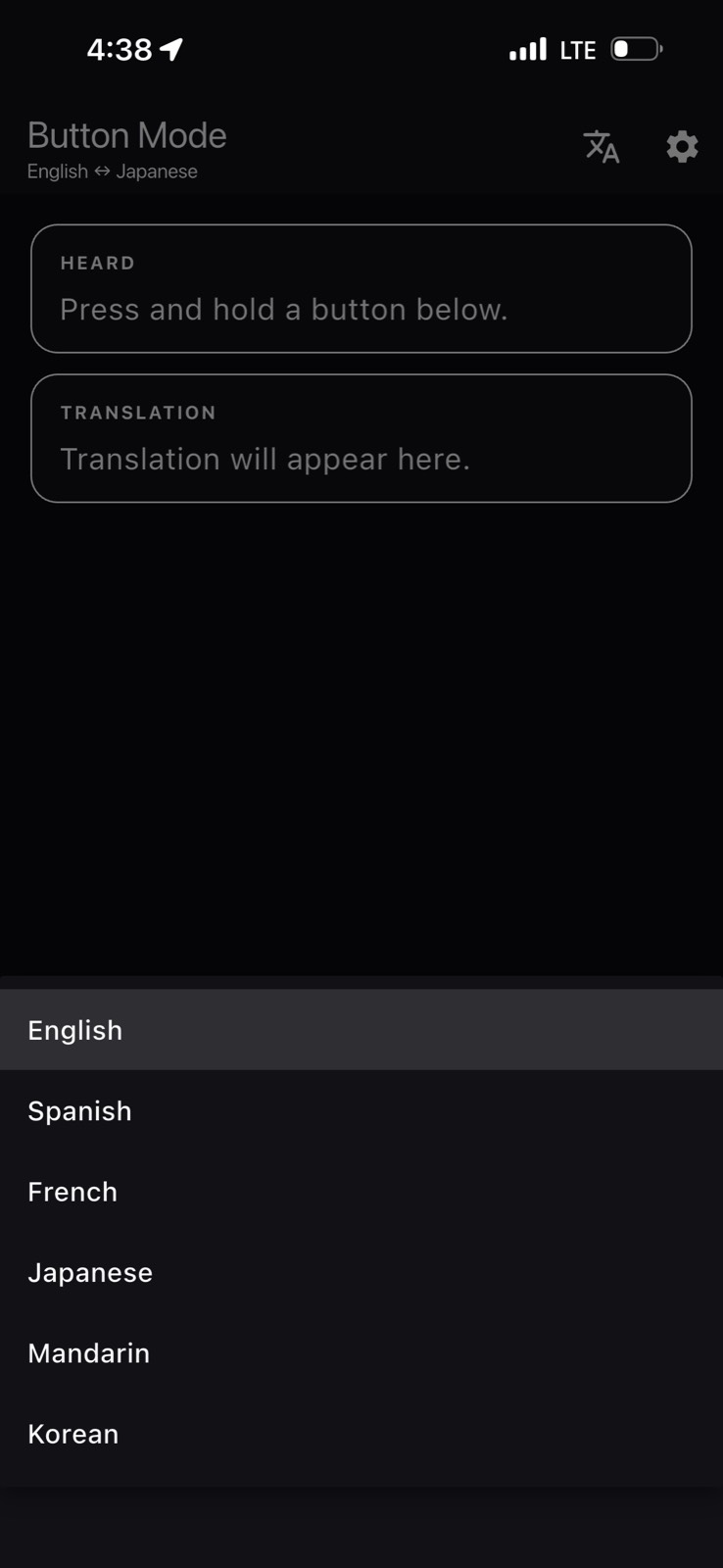
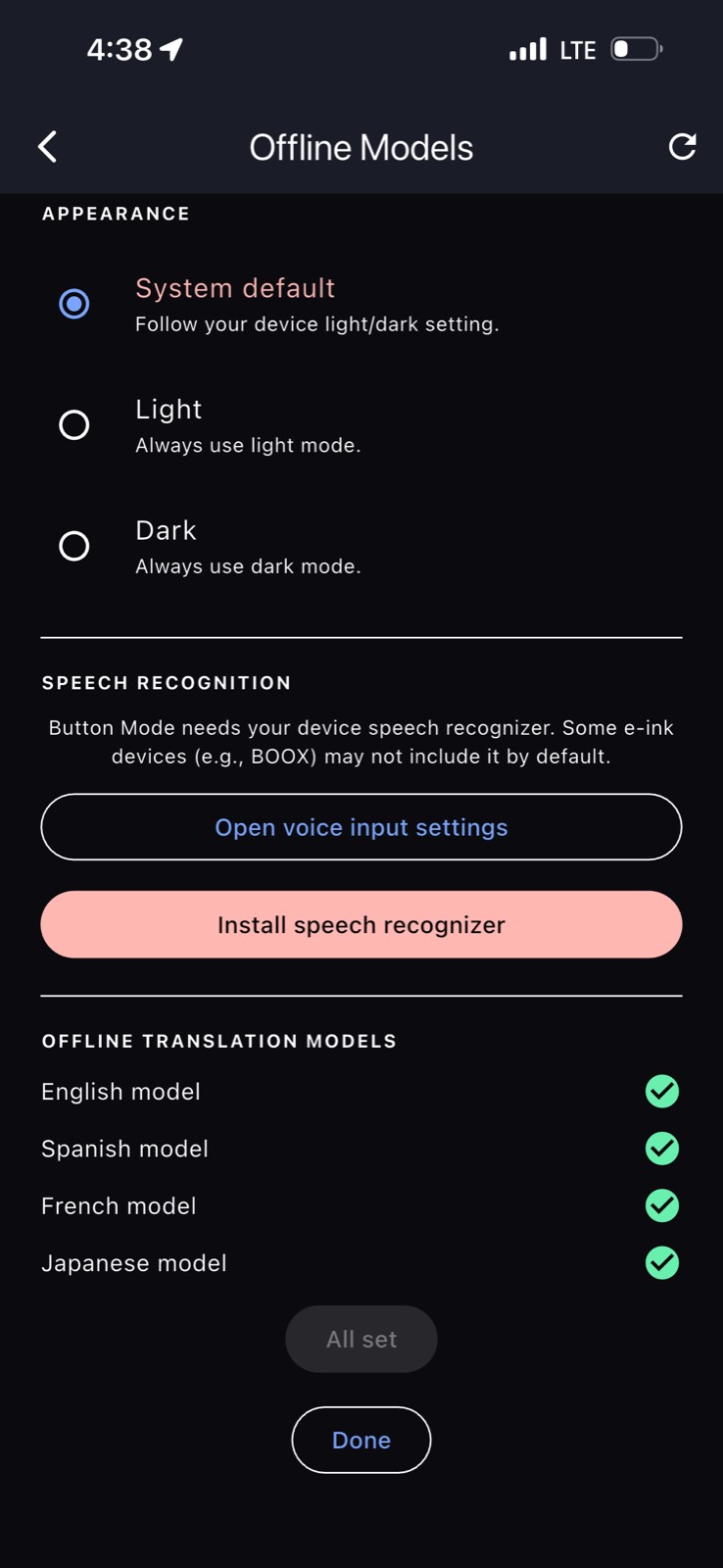
Pick any two and swap them at any time. Each pair downloads once, then it's yours.
Speech recognition and spoken playback use your phone's own voice services, so availability follows your device and its language settings.
A translator hears private things — a pharmacy counter, a border desk, a doctor. It should ask for as little as possible.
Speech recognition and spoken playback are provided by your phone's own operating system, which may process audio on Apple's or Google's services depending on your device settings. The full detail is in the privacy policy.